INSTALLABLE CODEX PRESET
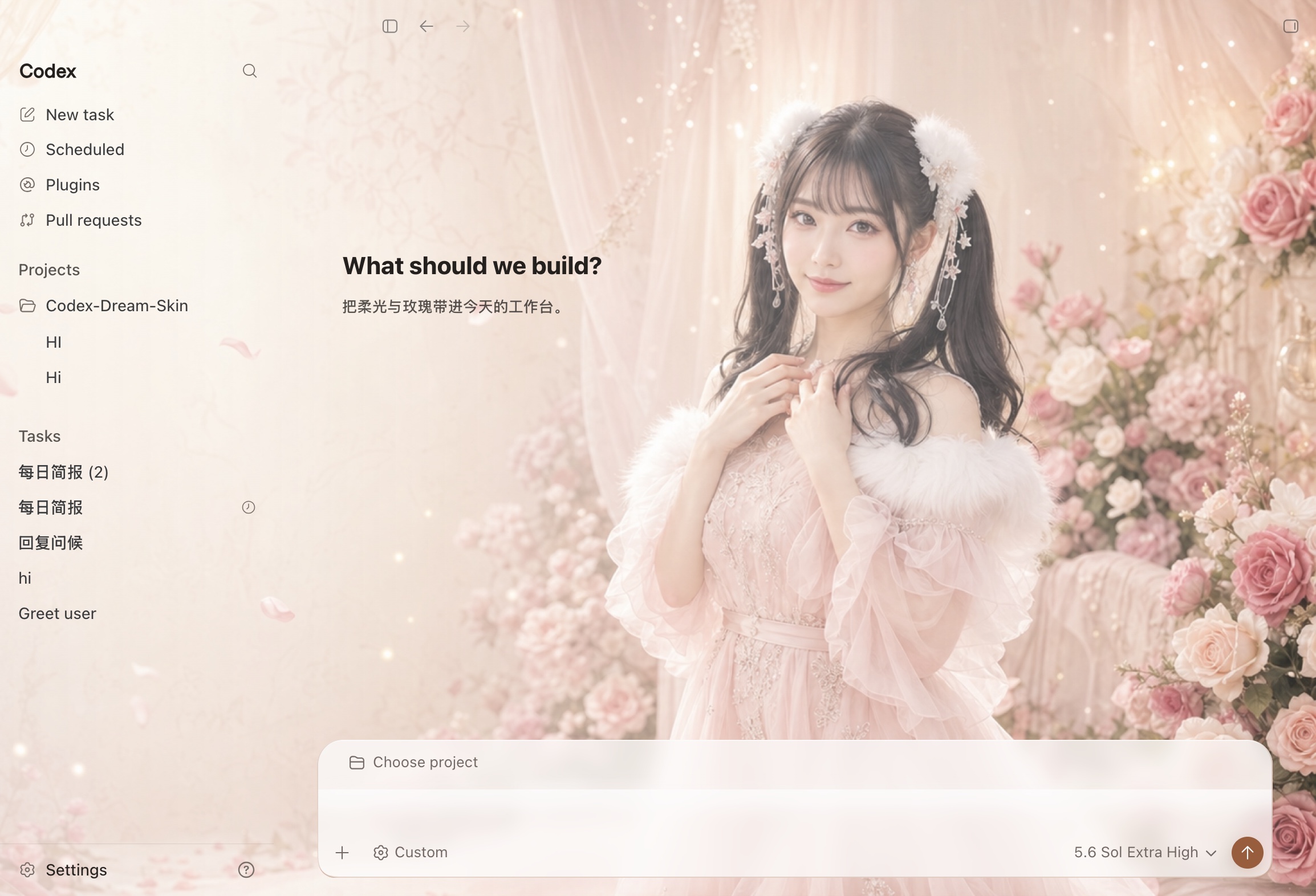
Romantic Rose
Codex Desktop theme
A tested Codex theme from the repository. Its right-side focal point leaves a quiet area for native controls and works with both light and dark Codex appearances.
HOW TO USE THIS CODEX SKIN
Switch to this theme
After the first macOS installation, run this command in Terminal:
~/.codex/codex-dream-skin-studio/scripts/switch-theme-macos.sh --id preset-romantic-roseOn Windows, open Saved Themes from the system tray and select the preset with the same name.